SiteOrigin Accordion
Visual Editor Content Here
Visual Editor Content Here
Visual Editor Content Here
SiteOrigin Author Box
SiteOrigin Blog
Another Post
Post number three.
Homepage News Posts
To change the way posts appear on your homepage, login and go to Appearance > Widgets. Open the Home section, and edit the settings for the “Recent Custom Post Types” widget. There, you can change the number of posts that display, reorder them, and other options.
Welcome to your Website
This is a news post. You can add, edit, or remove news posts by logging in with the “Webmaster Login” link at the bottom of the page, and going to the Posts section.
SiteOrigin Accordion
Visual Editor Content Here
Visual Editor Content Here
Visual Editor Content Here
SiteOrigin Author Box
SiteOrigin Blog
Another Post
Post number three.
Homepage News Posts
To change the way posts appear on your homepage, login and go to Appearance > Widgets. Open the Home section, and edit the settings for the “Recent Custom Post Types” widget. There, you can change the number of posts that display, reorder them, and other options.
Welcome to your Website
This is a news post. You can add, edit, or remove news posts by logging in with the “Webmaster Login” link at the bottom of the page, and going to the Posts section.
SiteOrigin Button Grid
SiteOrigin Anything Carousel
This is an Item
This is an Item
This is an Item
This is an Item
This is an Item
This is an Item
SiteOrigin Button Grid
SiteOrigin Anything Carousel
This is an Item
This is an Item
This is an Item
This is an Item
This is an Item
This is an Item
SiteOrigin Image Grid



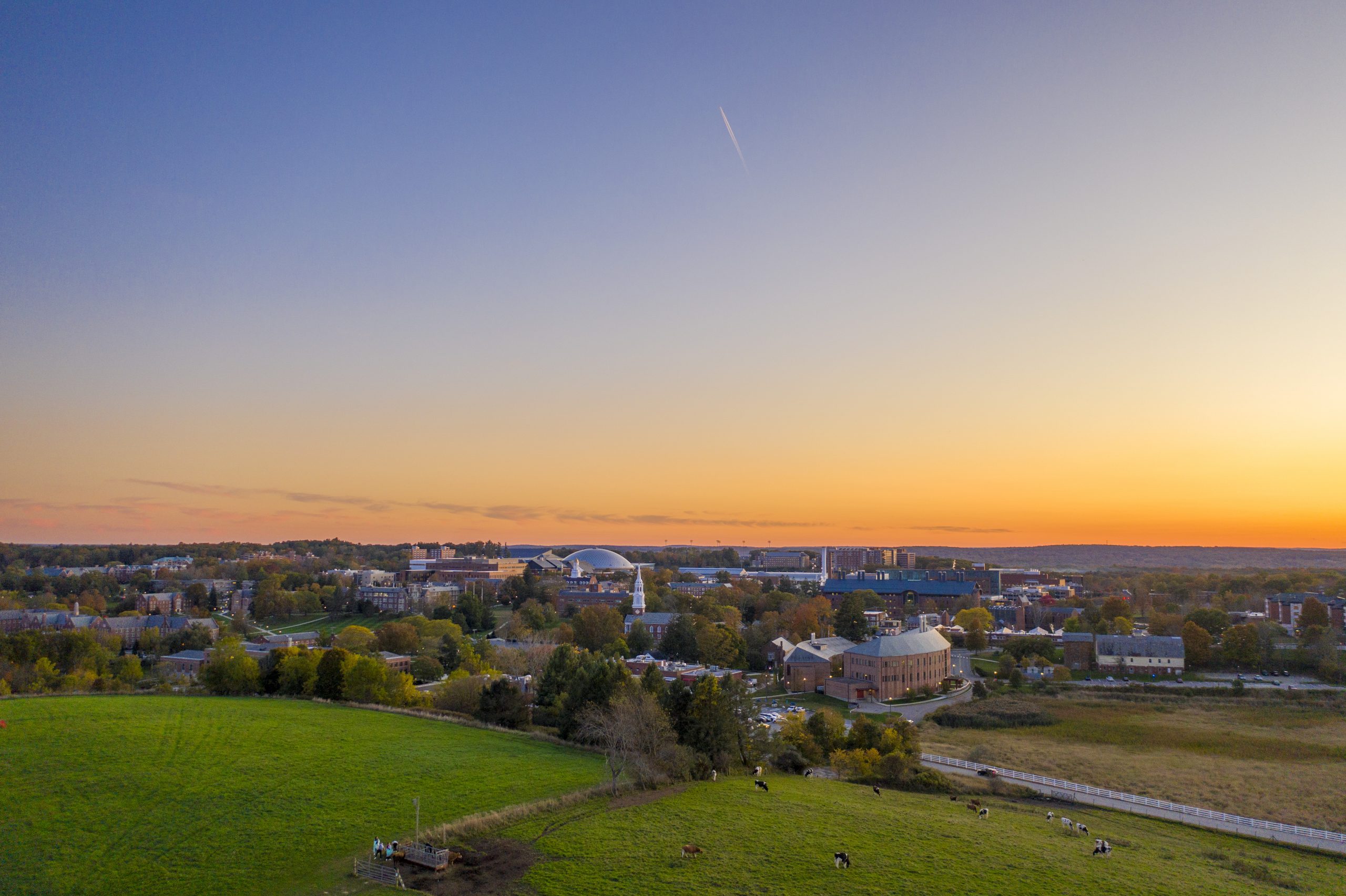
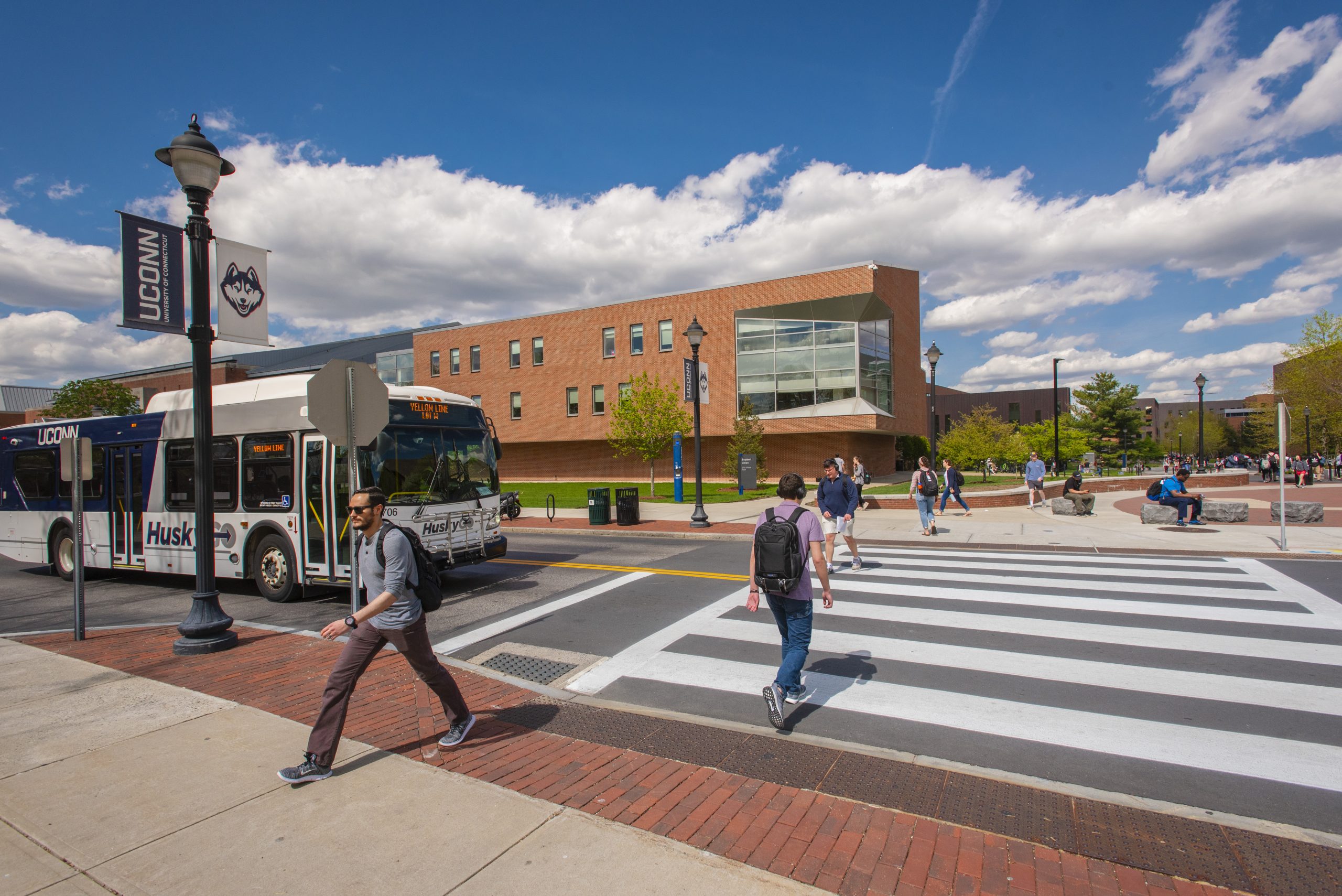
SiteOrigin Image Grid
SiteOrigin Layout Slider
SiteOrigin Layout Slider
SiteOrigin Simple Masonry
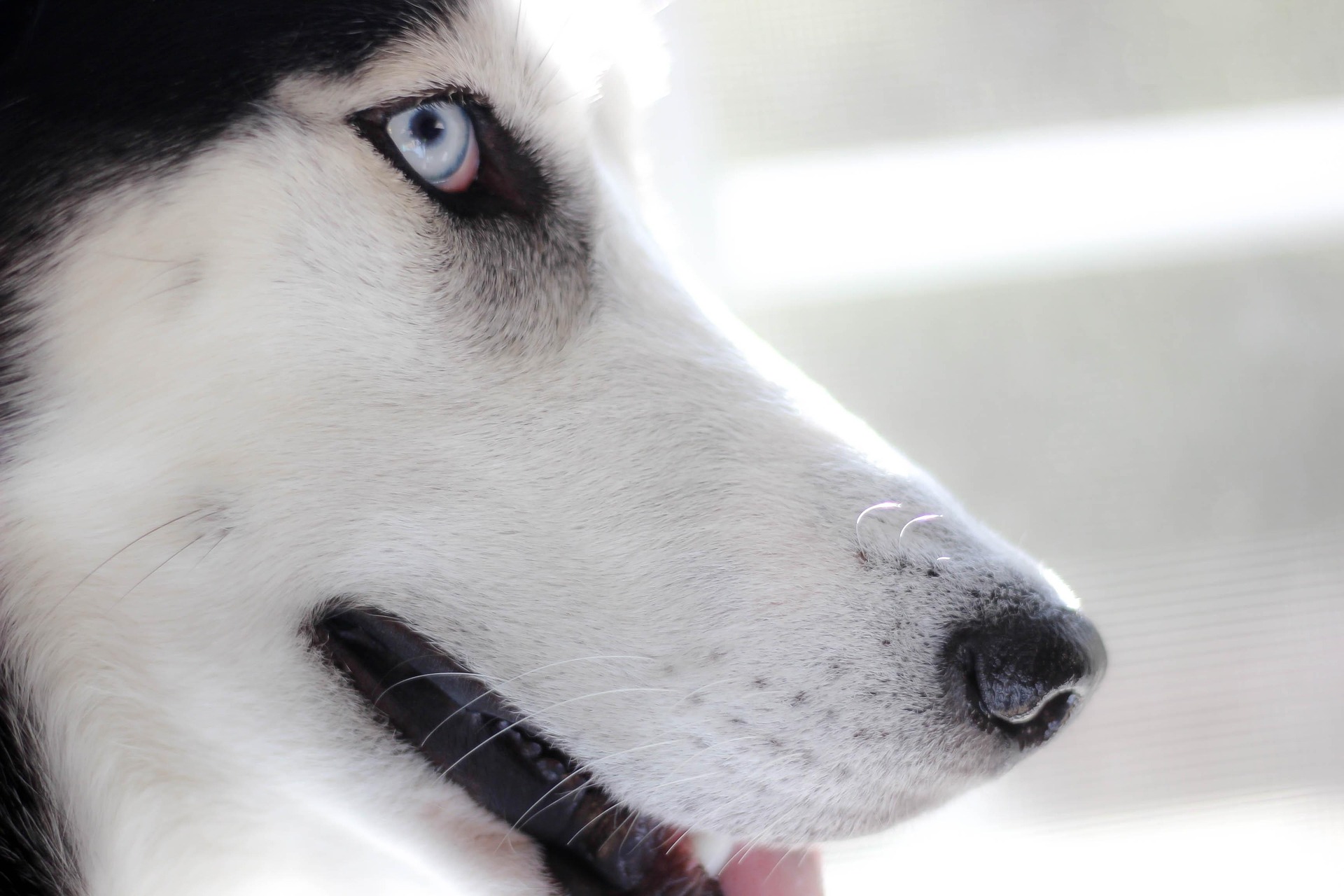

SiteOrigin Recent Posts
SiteOrigin Simple Masonry
SiteOrigin Recent Posts
SiteOrigin Price Table
Feature 1
Feature 2
Feature 3
SiteOrigin Tabs
SiteOrigin Testimonials
SiteOrigin Video Player
SiteOrigin Price Table
Feature 1
Feature 2
Feature 3